

How to Use Cocentives with Google Sheets
Export your Google Sheets as Excel, upload to Cocentives, get calculated statements back.
Import from Google Sheets
To upload commission data from Google Sheets:
- Open your spreadsheet in Google Sheets
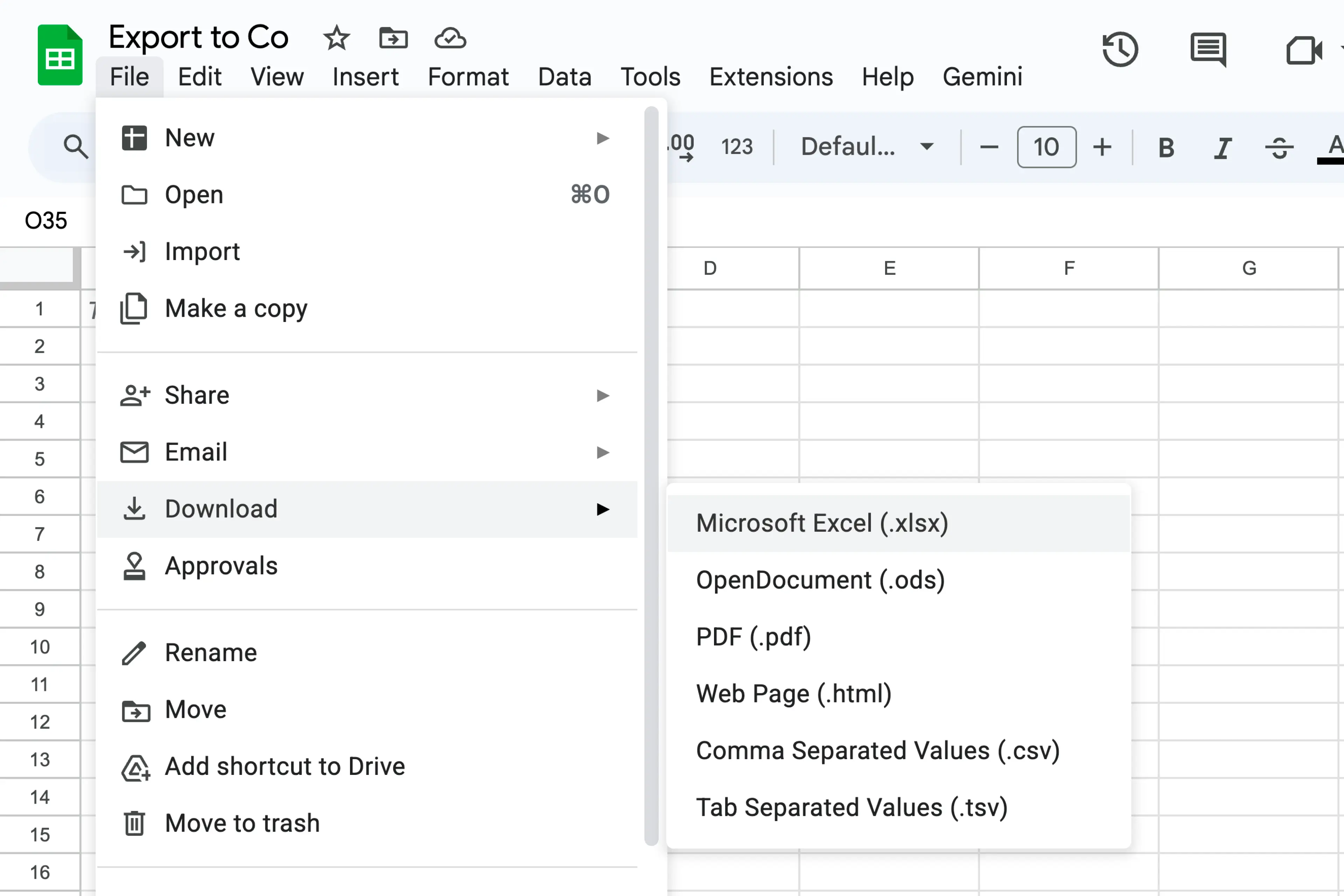
- Go to File > Download > Microsoft Excel (.xlsx)
- Upload the .xlsx file to Cocentives
Cocentives reads your data exactly as exported. No reformatting needed.
Export to Google Sheets
To view Cocentives statements in Google Sheets:
- In Cocentives, click Export > Excel on any agent statement
- Open the .xlsx file in Google Drive or sheets.google.com
Each export includes a summary, deal listings, and compensation breakdown.