
The Review Flow
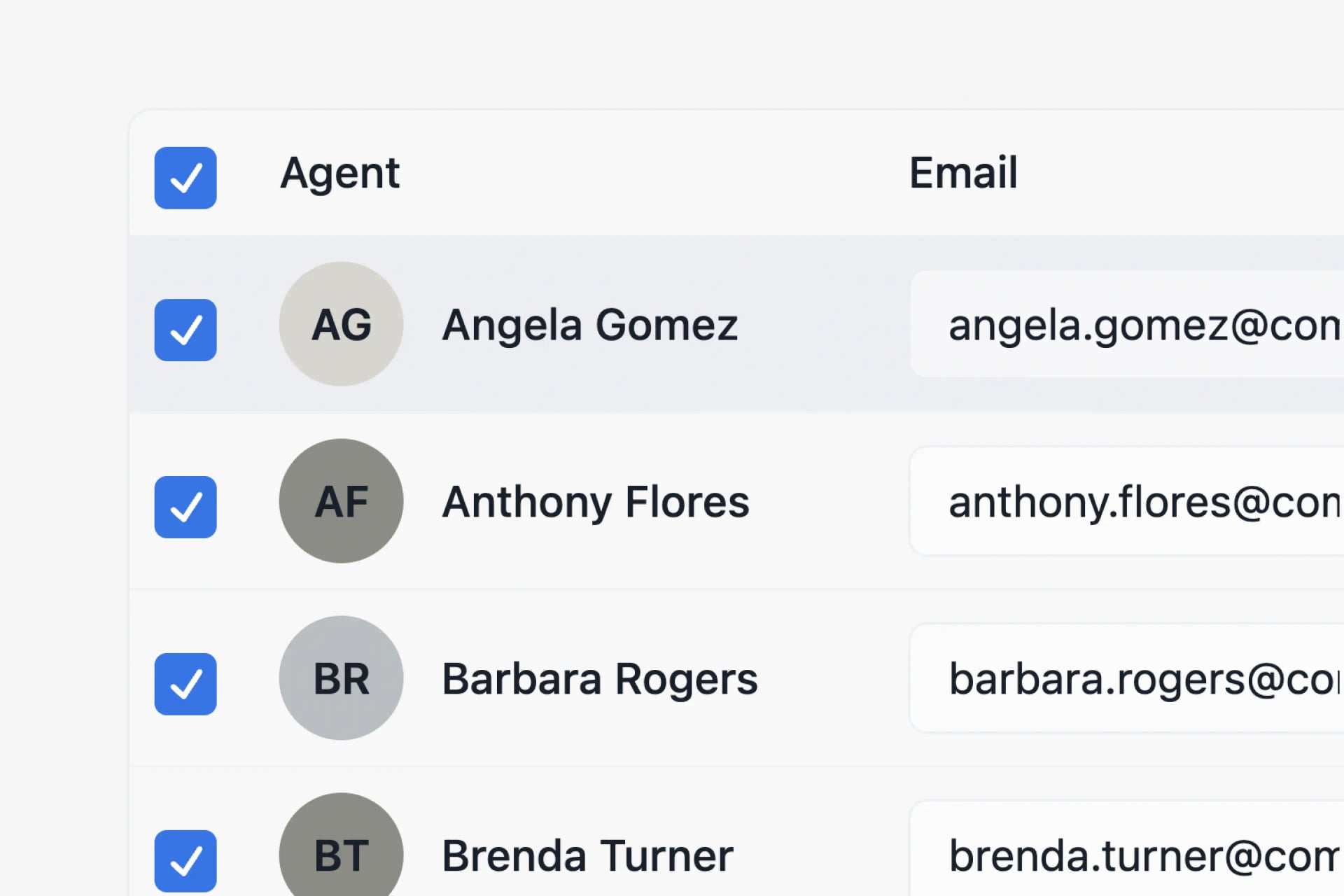
Preview every statement and drill into any agent's year to check the math. Built-in checks catch errors before anything goes out.
Drill Down
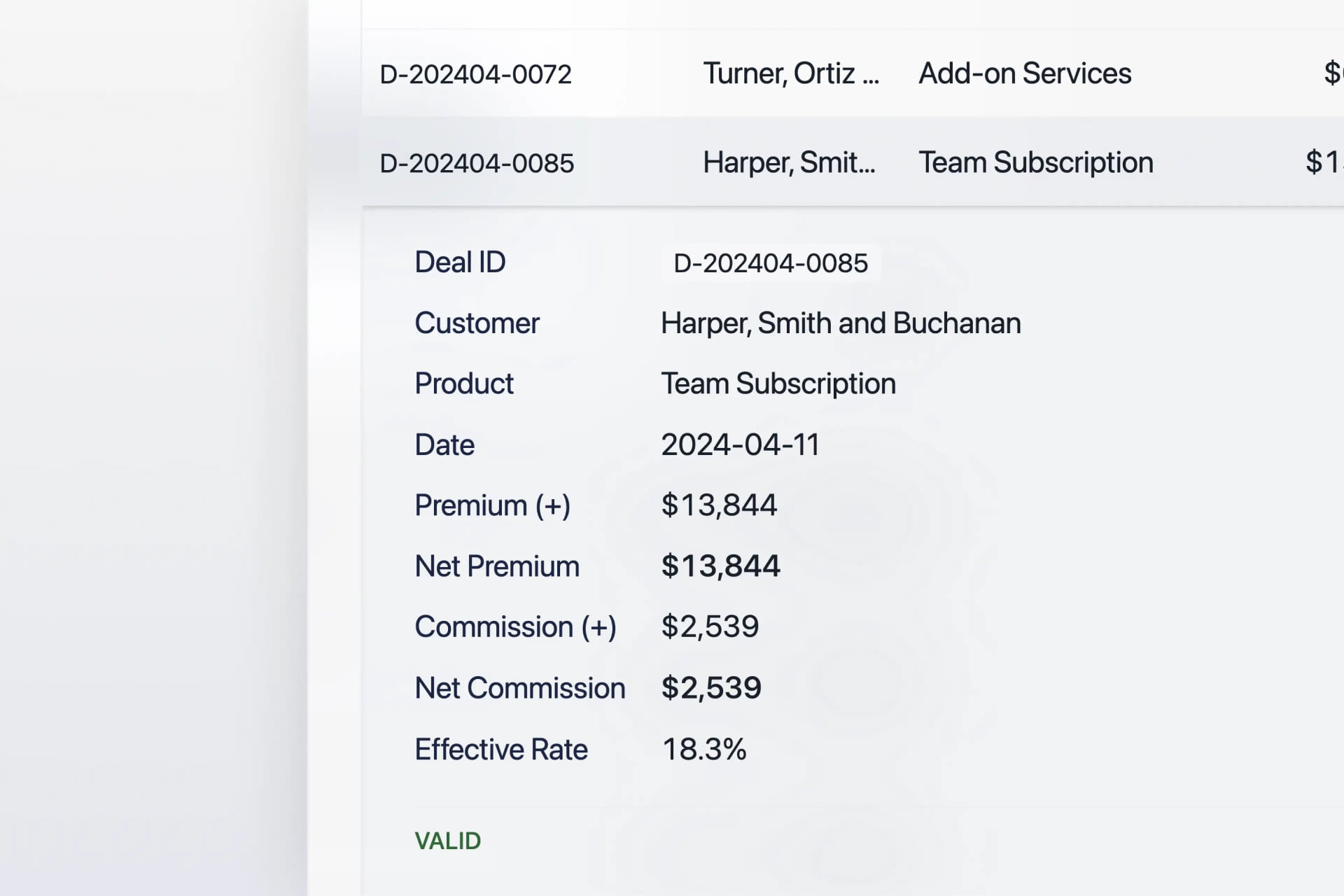
Before you send out reports, you can drill down on any sale record processed with Cocentives. Key info is stored for every deal so you can easily review and drill down on the calculations.
Ask Co
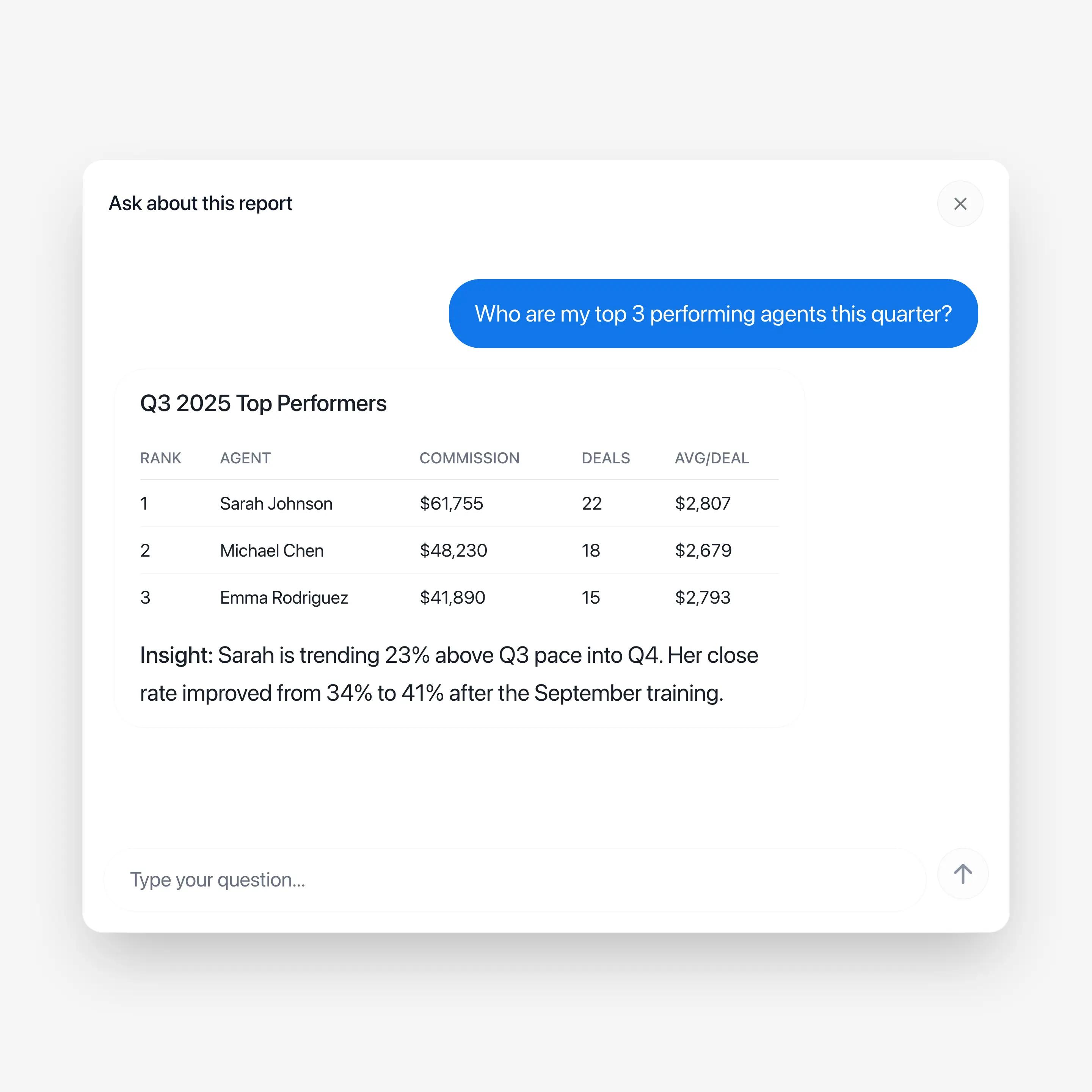
We built "Ask Co" because once a run is processed with Cocentives there is a lot of valuable information stored. And, with Co you can instantly ask all of this information any question. This is helpful for getting specifics of a deal, or for getting stats for the year for one or all agents. Instead of spending time on finding the deal, or looking through the run, simply click on "Ask Co", and get an answer instantly to your question.
Ask Co for your agents
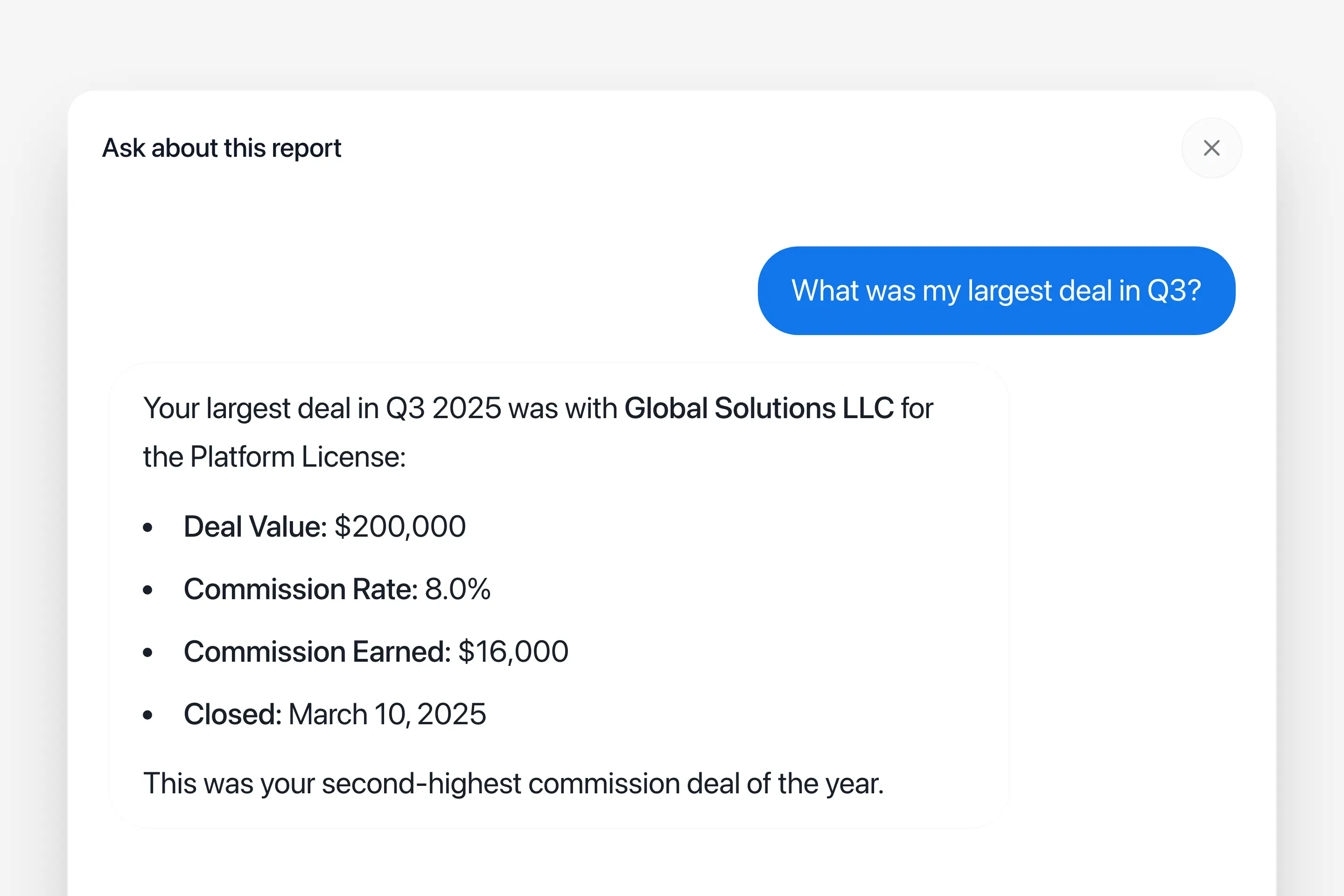
"Ask Co" for agents is the same powerful and intelligent experience as Co from the admin view. But Ask Co for agents only have access to their specific report info. No other deals info or agent info. This gives your agents a more dynamic report experiecnce while keeping data isolation and privacy a core piece of the system design.
Approve Agents, Send the reports
Once you have reviewed the run and you are ready to send, you can do so with fewer than three clicks. The Cocentives review flow is simple, you can open up all identified agents, check the specifics, hit approve. Then once you have reviewed all the agents click "Send Reports". Cocentives will take care of the rest, sending every agent their email, with a PDF and the interactive Magic Link. Your approvals are automatically stored, making it easy to pick up the work later if needed, or complete by sending the reports immediately.